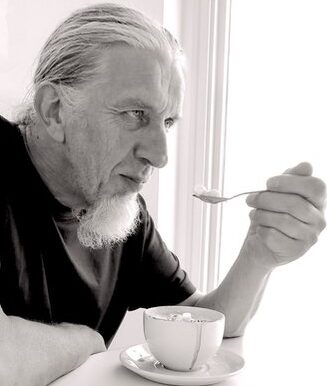
So that worked – and now this should stay here.
 Himself
Hmmm! Yesterday’s attempt at limiting posts to microblog did not seem to work. Maybe this will do the job.
Having planned a range of activities to keep me occupied after I retired I find I have not taken up any of them. I have found it difficult to concentrate on anything much. Of course global pandemics, lockdowns and the like has not helped.
#mbnov
The Zappa Movie
Once upon a time long long ago there was a Kickstarter Project to digitise the archive of material that Frank Zappa had created during his life – known as The Vault. Once digitised some would be used to create a movie about Zappa and his work. After delays and set backs (all that 2020 stuff) it looks like the project is coming to completion (click image for trailer)…
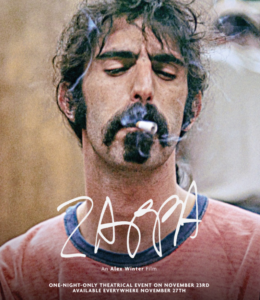
One can only wonder what he would have thought of America today.
Testing Microblog feed
Changed the feed to micro.blog so as not to send these general blog posts. In theory this should not show up over there.