My One Star Review Addiction

I confess I am addicted. Whenever I venture into the Mac’s or iOS App Stores I have to select the Most Critical reviews option and read the bizarre one star reviews.  I have mentioned some, such as for Pixelmator, Panogaea and a MIDI controller, in the past.  It is a fascinating world where people plainly do not know how to use their computer, complain that an app lacks a specific feature although no one ever suggested that such a feature was included or are just plain stupid and are willing to publicly voice their own shortcomings and/or put the blame on the developers.

Apple’s [wikipop search=”Mac_OS_X_Lion”]OS X 10.7 (known as Lion)[/wikipop] has been around for almost a year. Every new Mac sold in that time uses it as do the countless older Macs which have been updated.  It is used every day by millions of people without any problem.  Yet we are still being treated to delights such as…

What can one say? Perhaps if the reviewer had persevered for more than an hour they may have eventually found the View menu (to clarify: this contains options on how you want to View things) and the option to Show Status Bar on the bottom of the window…


And what about Quick Look with the Space Bar?  What about it?  It is much improved with Lion…

Thanks for sharing.  My addiction is satiated for today.


After posting this this morning… a few hours later Serendipity kicks in.

Scratched Pages

I have had a “Coming Soon” page up on the Scratch sub domain for a year or two. I had not bothered much with it after learning that the update to the splendid Scratch was going to be using Flash which was so very wrong. Even Adobe seem to be nudging towards other more appealing options.

As there has been a noticeable increase in visitors looking for Scratch related pages lately I have started remaking them. Just why there should be such an increase is a mystery. Possibly related to the publicity surrounding the launch of the Raspberry Pi one of those “educational” curiosities where you push your computer to one side so you can use the Raspberry Pi, assuming you have a suitable power supply, keyboard, monitor etc. to work with it. Alternatively you could just use Python and Scratch etc. on your computer.

No doubt my humble contributions will be modified and scrapped several times but I will have fun making the videos and the music to accompany them wp-monalisa icon

[soundcloud url=”http://api.soundcloud.com/tracks/49859543″ params=”auto_play=false&show_artwork=true&color=557fc4″ width=”100%” height=”166″ iframe=”true” /]

Windows 8 on a Mac – Virtually

After downloading the developers version of Windows 8 I installed it as a virtual machine with Virtual Box.

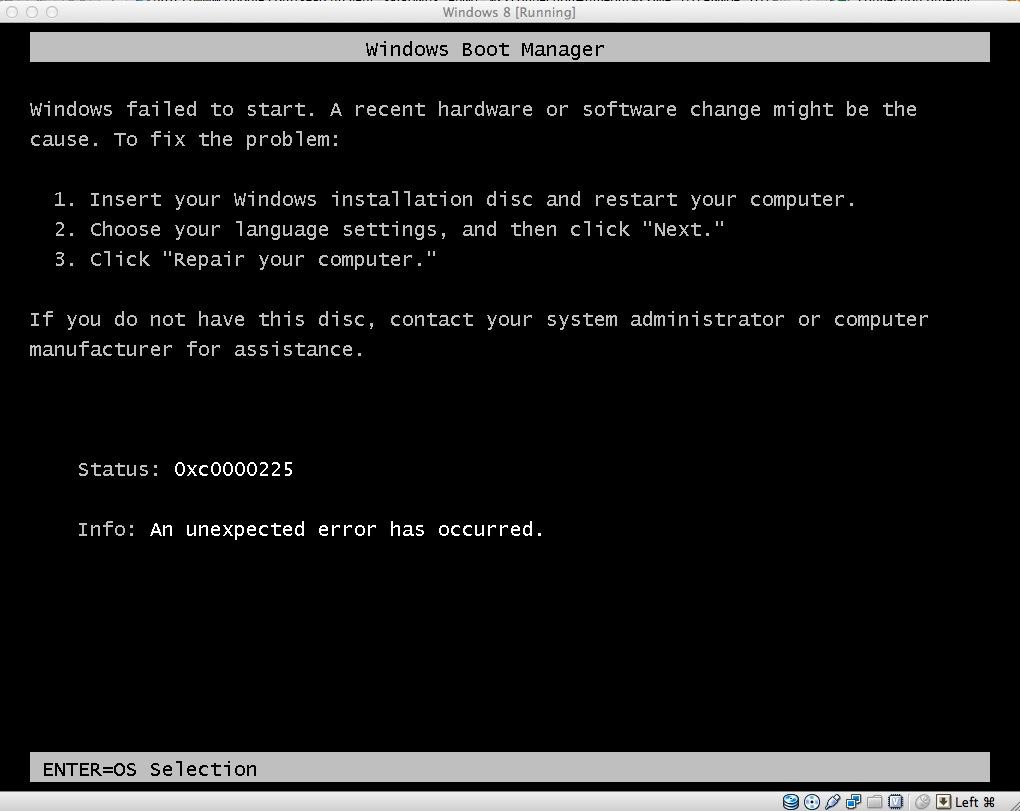
After a false start trying the Other Windows option:

I tried the 64Bit Windows 7 option and off it went:

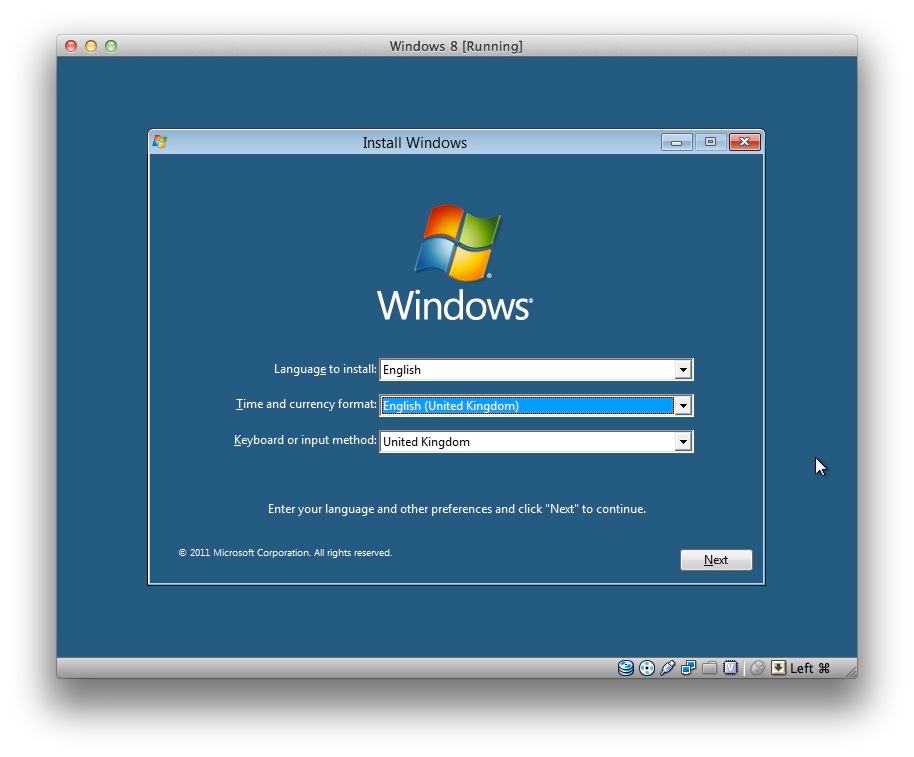
It was mostly a case of clicking through the standard settings apart from the Advanced installation option for a completely fresh install:

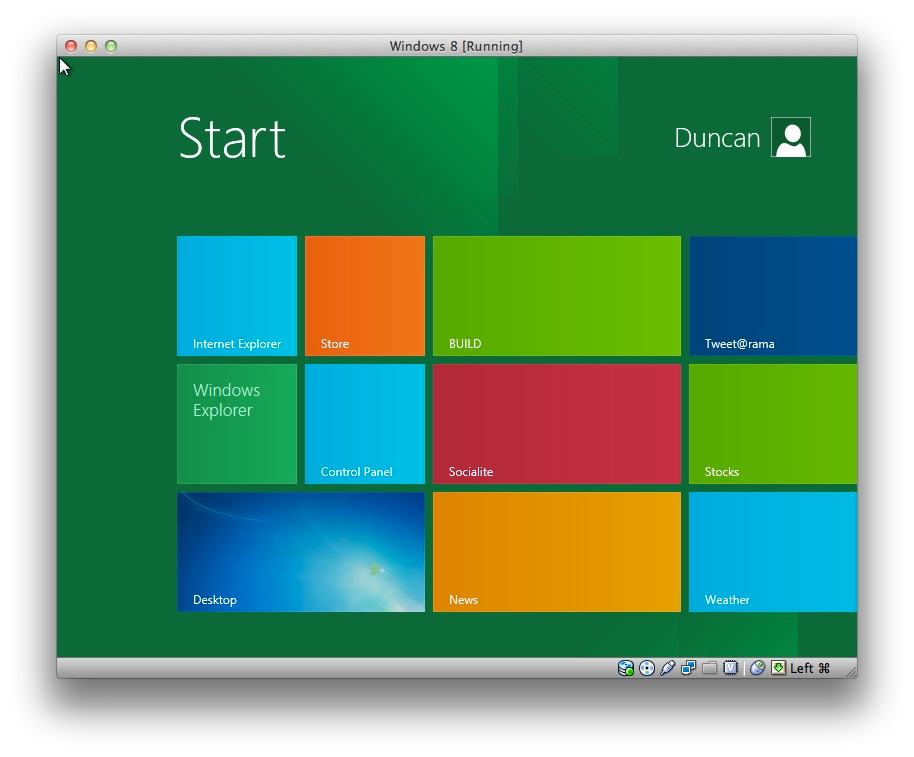
We went for a walk in the Autumn sunshine while it whirled away and returned ready to go:

Banging on a bike

The iPad has created a whole range of new ways for music making from recreating traditional instruments:

to rethinking the way instruments work:

http://youtu.be/cad2iWNop9A

and Smule have a range of apps that cover both ends of the spectrum. The latest is the MadPad with which you record sound & video samples of any objects you happen upon. These are then laid out in a grid for you to drum on to create your masterpiece.

One of the default sets is a range of bicycle sounds. So following in the footsteps of a young [wikipop]Frank Zappa[/wikipop] on a 1963 edition of the [wikipop]Steve Allen Show[/wikipop]

and our very own Levenshulme Bicycle Orchestra:

I banged away…

Reinstalling Lion

On Saturday the [wikipop]MacBook[/wikipop] was getting a bit clunky and on investigation the hard disc was found to be damaged and needed wiping/formatting. Just what those girls do to the poor thing, having previously destroyed the old [wikipop search=”iBook G4″]iBook[/wikipop]’s disc, remains a mystery.

After backing up to the [wikipop search=”Time Machine (Mac OS)”]Time Machine[/wikipop], downloading the Lion Recovery Disk Assistant and installing that on an old USB hard disc we were ready to boot from the external disc and wipe the internal disc. The wiping did not affect the recovery partition that [wikipop search=”Mac OS X Lion”]Lion[/wikipop] creates and so that was used for the reinstallation.

The process seemed to go without a hitch until the point when the computer should have restarted which it failed to do:

It repeatedly downloaded the installer but then hung showing either 5+ Hours remaining or Around 0 seconds to go. The download was restarted half a dozen times each with the same inconclusive result. Fortunately [wikipop]Tim Minchin[/wikipop] was hosting the Comedy Prom on TV and his Lullaby helped to relieve the frustrations:

Having shut down the MacBook for the night I tried it one more time on Sunday morning. It seemed to stall yet again but while I perused the support forums for any advice there was a reassuring [wikipop]startup chime[/wikipop] and it leapt into life and started the installation process. Once installed Martine sat in bed retrieving the backed up stuff which, to her alarm, reinstalled thousands of old emails.

But in the end, albeit with a little frustration, the whole disc-less wire-less installation did not fail us.