Can it really have been 30 years ago today that the world was introduced to the Macintosh?
Before the presentation the 27 year old Steve Jobs was shaking with fear and anticipation; “I’m scared shitless” he uttered and then stepped on stage and changed the world – a feat he would repeat several times.
Today, when all computers work like the Macintosh it is hard to imagine what was so special about windows, menus, scrolling text, graphics, speech synthesis etc. all chugging along on an 8 MHz Motorola 68000 processor and 128 Kb of RAM. The wonderful Cathode can take your modern Mac back to those wonderful pre-Mac days…
Jobs and Steve Wozniak had defined what a personal computer would be like and how it would work. IBM dominated the world of computing and were venturing into the fledgling personal micro computer market (micro computers as opposed to the mainframe and mini computers widely used at the time). The Apple II dominated the personal computer market of the day; introducing the world to the Spreadsheet and providing work for a small company called Microsoft..
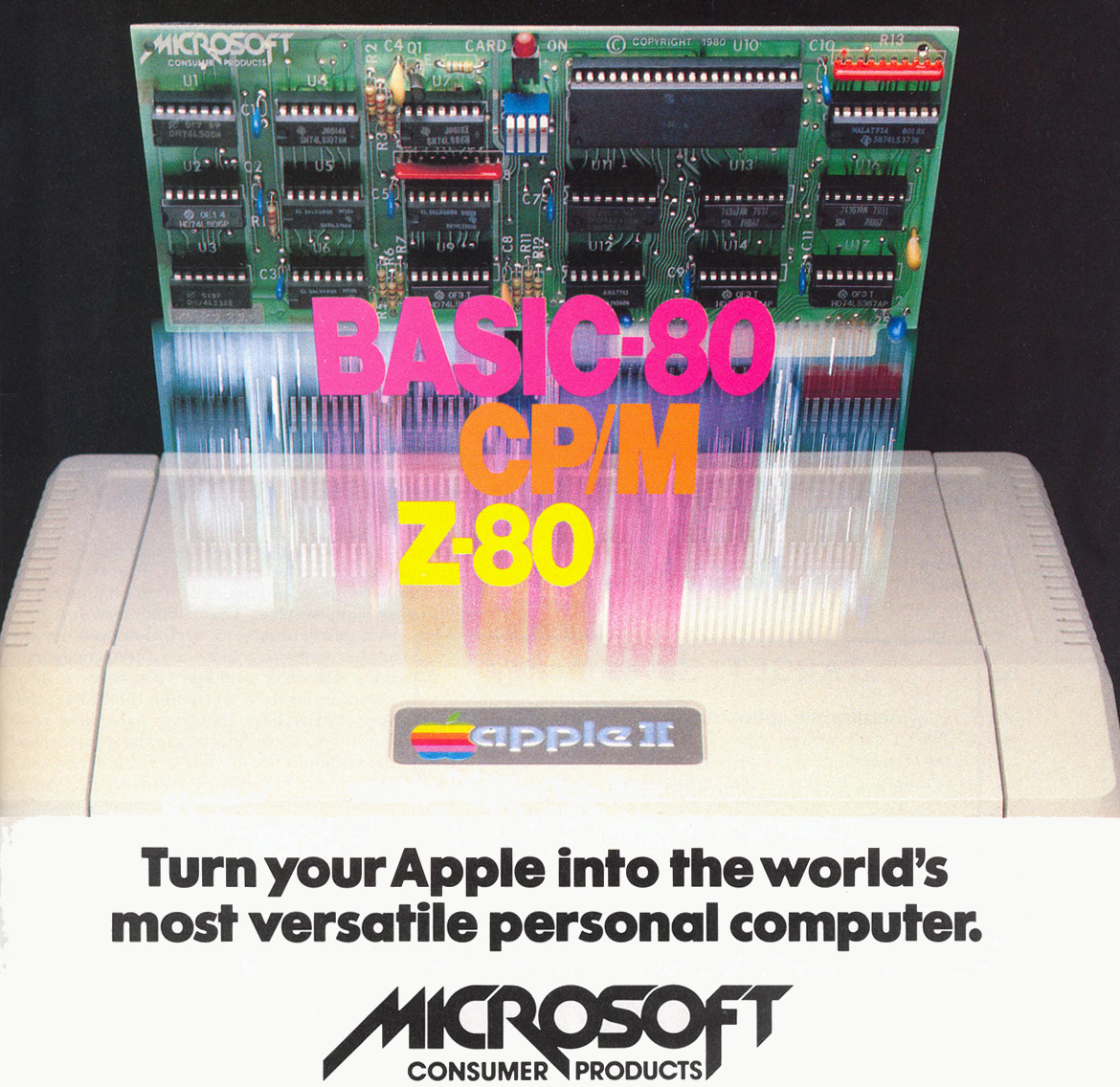
The Apple II would continue to sell well despite the appearance of the Mac. The personal computer belonged to the individual and would empower them in their daily lives; liberating them from the corporate controlled IBM computers operated in the basement by boffins. That was the Big Brother that the Mac was designed to destroy….
Jobs saw the personal computer as something you could pick up and carry – the Apple II was a wedge shape so you could tuck it under your arm and the Mac had a built in carrying handle. The IBM personal computer models fail this basic requirement…
Just one year later Jobs will be sacked not to return to the then nearly bankrupt Apple in 1997.