Mac Pinball HD controls

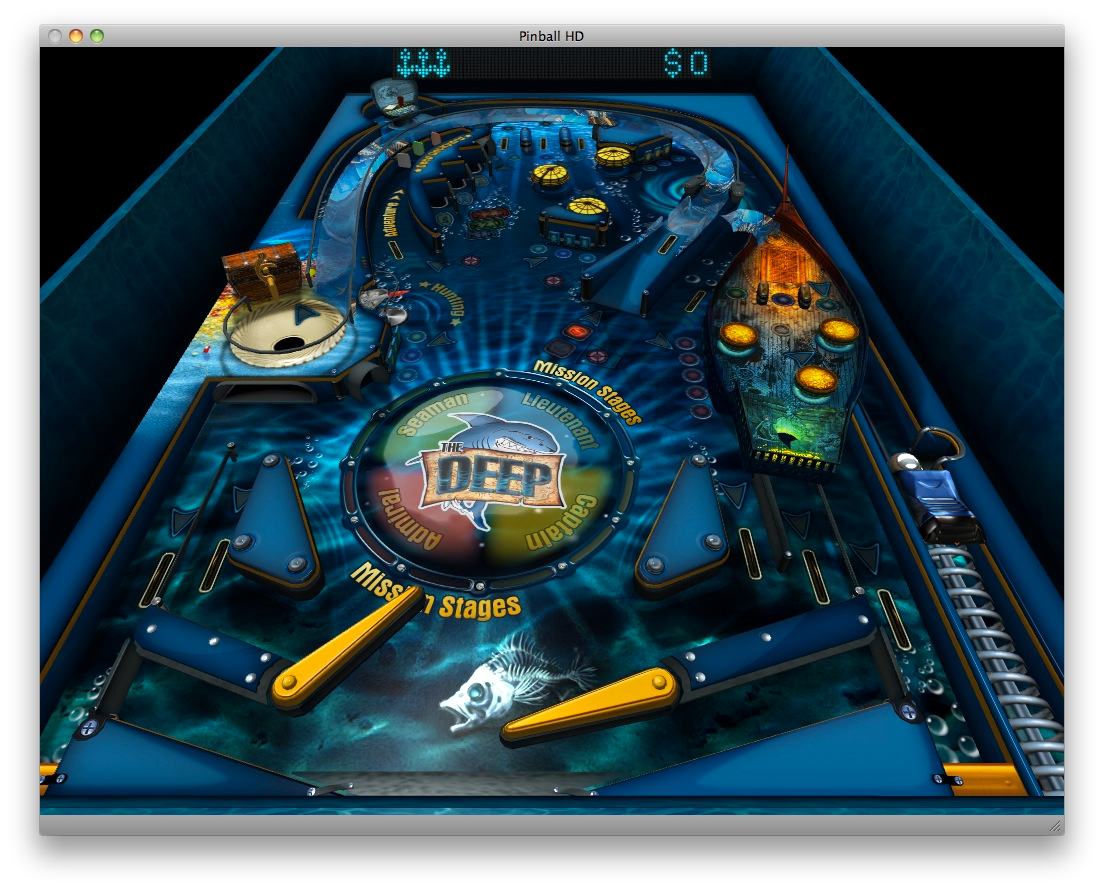
At least a copy of Pinball HD from the Mac App Store means that I no longer have to steal borrow the girl’s iPad to get my daily fix of The Deep table:
Alas there does not seem to be much in the way of instructions or a high score table (not that I ever get on it!). Thus far I have figured:

Down arrow: To pull back trigger/launcher (moves slowly – keep pressing to get any power)

Left & Right arrows or shift keys: left & right flippers

C: Toggle camera view Zooming, fixed perspective, fixed looking straight down

Esc: Exit full screen

⌘F: Enter full screen

Space: Nudge the table (use with caution)

Enter: Toggle pause

You have got the mission…

Update: The app was updated on January 26th, through the App Store, rectifying many of the problems with the early version – but still no high score table 🙁

GameSalad and the iGoD

Note: This will require the GameSalad plugin to be installed to work – and then it is probably only good with Safari on a Mac!

Experimenting with the GameSalad game creation software. It is still a beta version and has crashed my Mac several times – although this is probably largely due to me trying run before I can walk. But it only took a few minutes to cobble together an experimental piece that will become the Intergalactic Goats of Doom (or iGoD 😉 but may evolve into the Intergalactic Vomiting Vampire Goats of Doom.

Update: This has now moved to here as the plug in continues to cause problems/crashes.

You just click to move the Smiley (or touch when I get it on an iPad) to or from the goat. Why not? The M key kills the backing beat and the S key starts it again.

Me (not) Mobile?

Have just enjoyed the 60 day trial of Mobile Me. Having a house full of Macs which will be joined, I do not doubt, at some time by an iPad all that syncing and sharing stuff is just the job. Mostly I was using the picture gallery which, combined with a dinky WordPress plugin, provided a quick link from here to there.

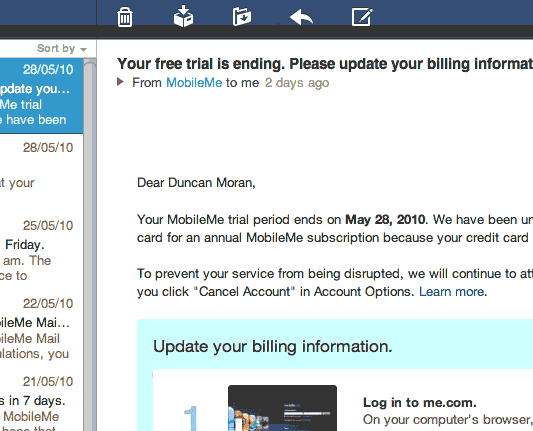
The trial expired but no payment was charged. Instead an email complaining that something was wrong with my card details…

…which was strange. I checked the details and all seemed, as far as I could see, to be correct but still it was rejected…

…which was strange because the details of the same card are stored at the Apple Store where it is used (far too) frequently…

One of their suggestions was to purchase a box from the Apple Store, have that delivered by snail mail, discard the disc and packaging into the recycle bin, and type in the included activation key. [W:Cloud computing] eh! It’s the future!

In the past I have purchased QuickTime Pro and Aperture activation keys from the Apple Store but alas a Mobile Me activation key is not availabe.

So, for now, I have given up and rolled my own using the Gallery software.. Perhaps not as pretty as Apple’s but it does the job. A bit of PHP in the widgets over there (->) adds an image and a link. A bit of FTP adds a straight through connection.

The email said they would keep the account active until the 12th June which is just after WWDC and some rumours say… that Mobile Me will be free anyway. Hmmm!