A 360° panoramic image of Space 3 at the Contact Theatre taken and stitched with the PhotoSynth app on an iPod Touch
which passes through Panogaea
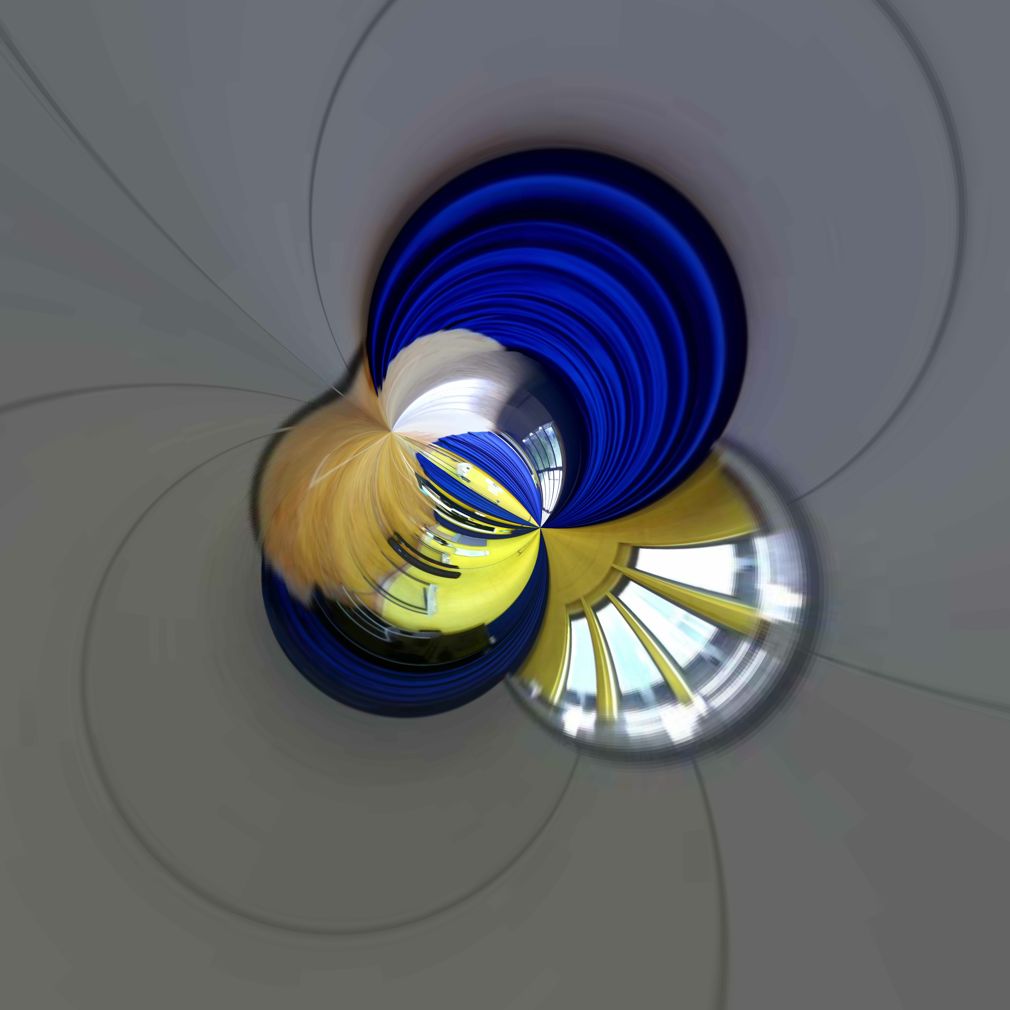
before being turned into sound with RGB Music Lab:

Passing clouds of inconsequential observations
A 360° panoramic image of Space 3 at the Contact Theatre taken and stitched with the PhotoSynth app on an iPod Touch
which passes through Panogaea
before being turned into sound with RGB Music Lab:
Shock! Horror! Microsoft’s Photosynth is a neat little free app that captures a panoramic image (up to 360° if required)…

Simply tap the screen to start shooting, sweep the [wikipop]iDevice[/wikipop] camera around the scene and it will automatically take a sequence of shots (or you can tap the screen again to add a shot). Tap the Finish button and it will stitch the images together to create your panoramic picture. I could have cropped the edges of the image to straighten them up but apparently we prefer the organic/ragged look.
So MS can do it when they try. If only they tried harder more often.
Progress! In the unrelenting march to some ideal, feature rich, future we have to occasionally update the WordPress software which normally amounts to clicking on the Automatic Update link and waiting a moment for the updater to do its thing. Alas the 3.1 update did not do its thing and the blog was broken; left bereft with only the message:

Unable to even log in to see what the problem was I turned to my trusty FTP software to get into the blog. The usual suspects are the plugins which add myriad enhancements but will often cause as many problems. Renaming the plugins folder, so WordPress will not recognise it, allowed me to get to the login screen; and once in I was greated with the message

Clicking the link to run the updater again successfully updated WordPress. Moving all the plugins back into the newly created plugins folder showed that it was not the plugins at fault this time but the errors seemed to be from my own child theme. So we are now back with a hacked about a bit Twenty Ten theme which will break when the next update comes along. Ho hum.
Seems there have been a few problems with the update.
The Trackpad Magic app lets you play various instruments with the Magic Trackpad or MacBook’s Trackpad. It also features a variety of graphical effects and several [wikipop]musical scales[/wikipop]. Pressing the T key shows a grid to aid note finding. Pressing the I key cycles through the scales. The Doe Ray Me scale puts the G in the middle of the trackpad. With the C on the left edge you can pick your way through [wikipop]Twinkle Twinkle Little Star[/wikipop]. Turning off the grid and doing it blindfolded in the dark earns extra points 😉
More bizarre one star reviews on the app store. This time for Panogaea. It is claimed that it does nothing and is a scam.

Admittedly having a web site which is still under construction does did not inspire confidence (The site is now up and running) but it all seems to work as described…
You can just click and drag directly in the image (using the Command and Control modifier keys) to make the changes. Full documentation and examples are available from the Help menu.
An Introduction to Panogaea from Kevin Gross from the official Panogaea support site.